GPT Image 2 Ecommerce Prompt Playbook: Product Photos, Ad Variants, and Live Shopping Cards
GPT Image 2 AI Online Team
May 8, 2026
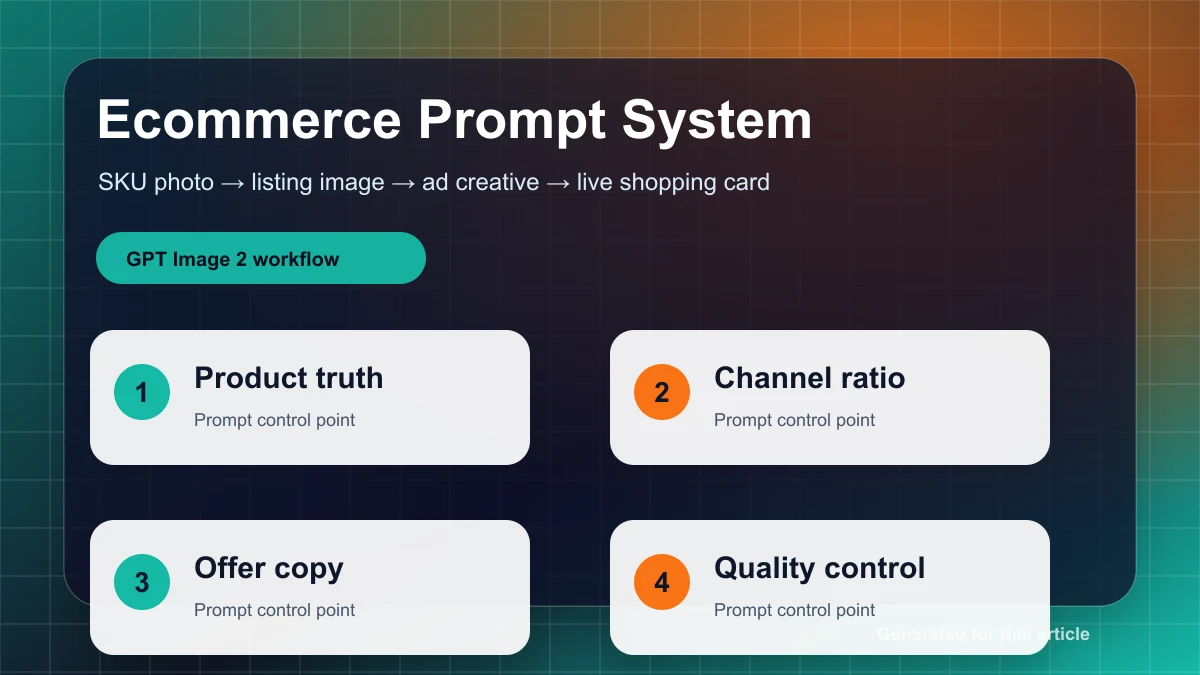
A practical ecommerce workflow for turning one SKU into listing photos, ad creatives, live shopping cards, and reusable prompt briefs with GPT Image 2 AI Online.
Ecommerce teams need a repeatable production system, not one lucky AI image. The practical goal is to keep product truth stable while creating enough visual variants for listings, ads, and live shopping.
Build the SKU brief first
Before writing a prompt, create a short SKU brief with the exact product name, fixed visual facts, buyer, channel, banned changes, and success check. This brief becomes the source of truth for every image. Separate fixed facts from presentation: the model may change background, light, scene, and crop, but it must not change product shape, material, color, label placement, logo, buttons, ports, or packaging geometry.
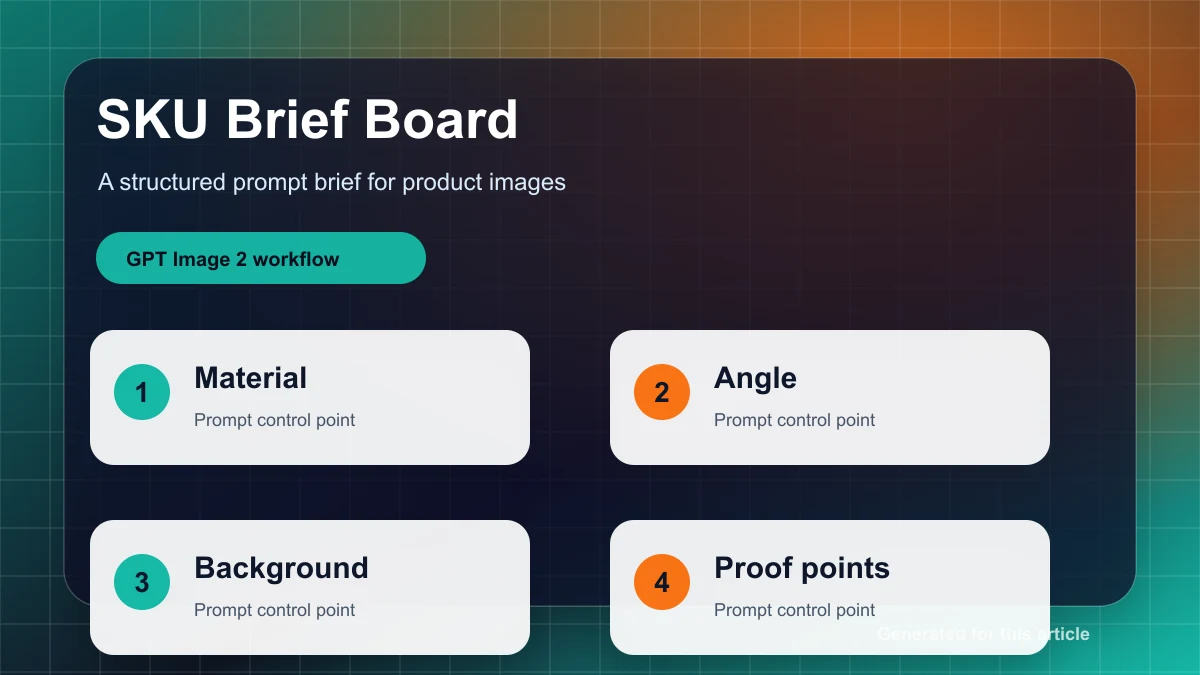
SKU brief
Product: [exact product name]
Fixed facts: [shape, color, material, label, packaging angle]
Audience: [buyer and buying context]
Channel: [marketplace listing / paid social / live shopping]
Do not change: [logo, text, button layout, unique product details]
Success check: the product is still recognizable when reduced to 25% size.
Listing images: improve presentation, not the product
A catalog image has one job: help the buyer inspect the product. Keep the prompt strict. Ask for a clean background, soft contact shadow, sharp edges, and stable product scale. Avoid asking for a cinematic scene when the channel needs a trustworthy listing image.
Create a clean ecommerce listing image from the reference product.
Keep the exact product shape, color, material, logo position, label placement, and packaging angle.
Use a white or very light neutral studio background with soft contact shadow.
Center the product, keep all edges sharp, and remove unrelated props.
Do not redesign the product, invent text, change the label, add extra variants, or alter the package.
Output should be ready for a product listing page.
If the first result is too creative, do not add more style words. Tighten the brief: fewer props, cleaner background, more frontal angle, larger product, and stronger preservation of reference details.
Ad variants: one SKU, four campaign angles
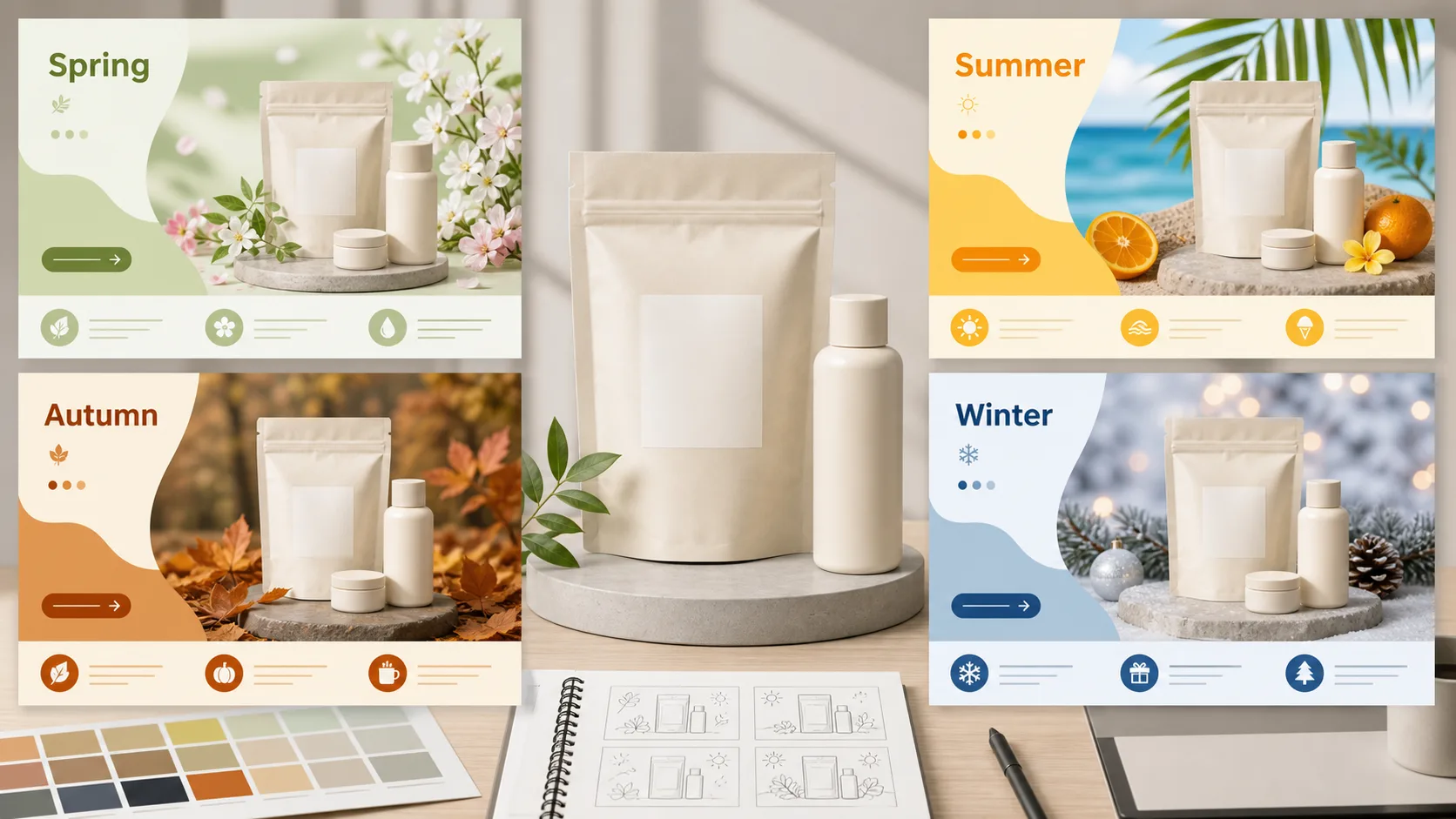
Paid ads need more visual energy, but the product still has to be the hero. Build a small matrix from one SKU: problem-solution, lifestyle, limited-time offer, and comparison. This creates creative diversity without losing product consistency.
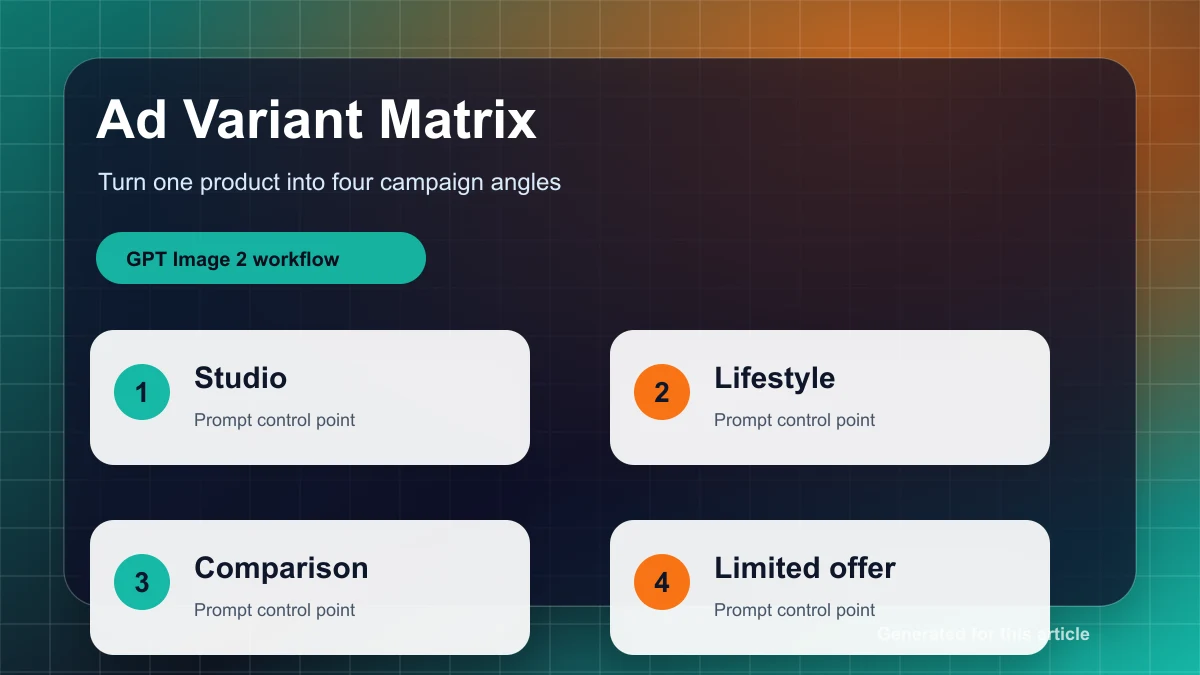
Create a paid social ad creative for [product] aimed at [buyer].
Preserve the product exactly as the reference.
Campaign angle: [problem-solution / lifestyle / limited-time offer / comparison].
Scene: [specific buying moment or use case].
Leave clean negative space on [left/right/top] for a short headline and offer badge.
Use commercial lighting, a clear product silhouette, and high contrast for mobile feeds.
Avoid fake logos, random text, extra products, unreadable labels, and clutter.
Judge each ad by three checks: the product is recognizable when small, the copy zone is clean, and the value proposition is understandable in two seconds.
Live shopping cards: design for the phone first
Live shopping visuals should be blunt and readable. Make the product large, simplify the background, reserve a clear text zone for price and time, and keep contrast high. If the product disappears in a small thumbnail, the image fails even if it looks polished on desktop.
Create a live shopping product card for [product].
Make the product large, bright, and easy to recognize on a phone screen.
Use an energetic retail background with simple shapes and high contrast.
Reserve a clean text zone for price, time, and one call to action.
Keep the product true to the reference.
Avoid tiny text, complex patterns, extra SKUs, fake badges, and visual noise.
Launch checklist
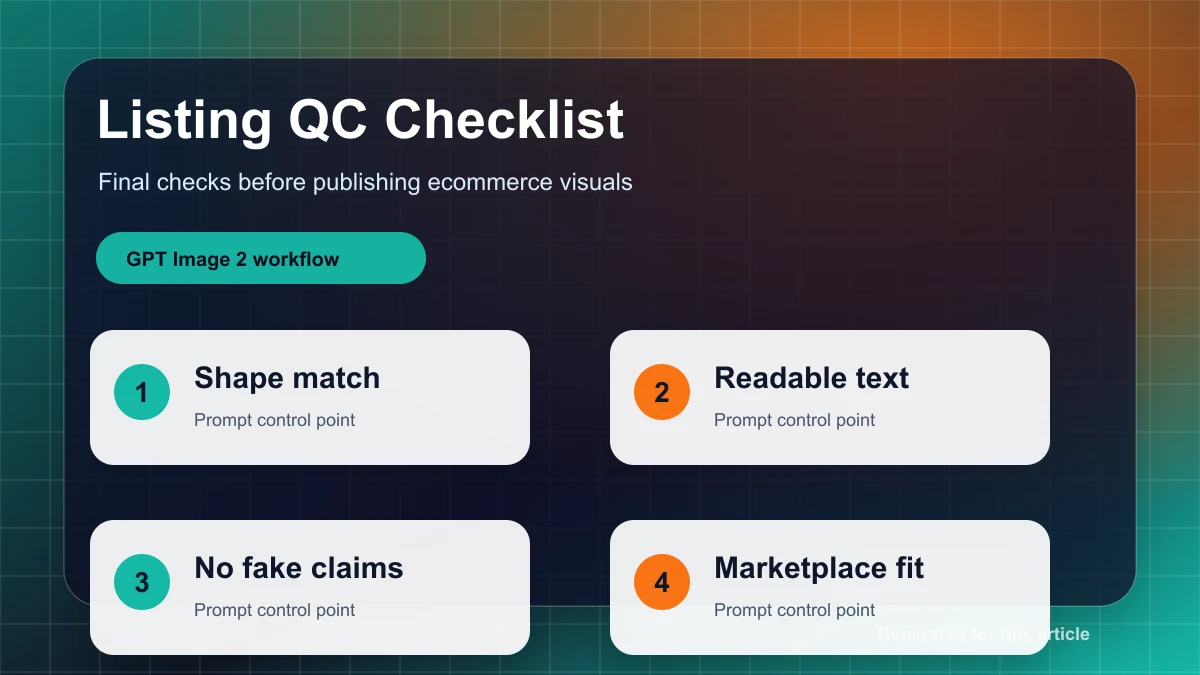
Before publishing, check product shape, color, label, logo, material, mobile readability, text zones, and unwanted marks. Save approved prompts as channel templates. The next SKU should start by replacing the brief fields, not by rewriting the whole prompt.
Use GPT Image 2 AI Online to turn your next SKU into listing photos, ad variants, and live shopping cards.