






2026 Launch Offer
Yearly: Up to 50% Off
00:00:00.00
Get Deal Now
GPT Image 2 AI OnlineGPT Image 2 AI Online
BROWSER-BASED ECOMMERCE IMAGE TOOL

GPT Image 2 AI Online for Ecommerce Image Creation

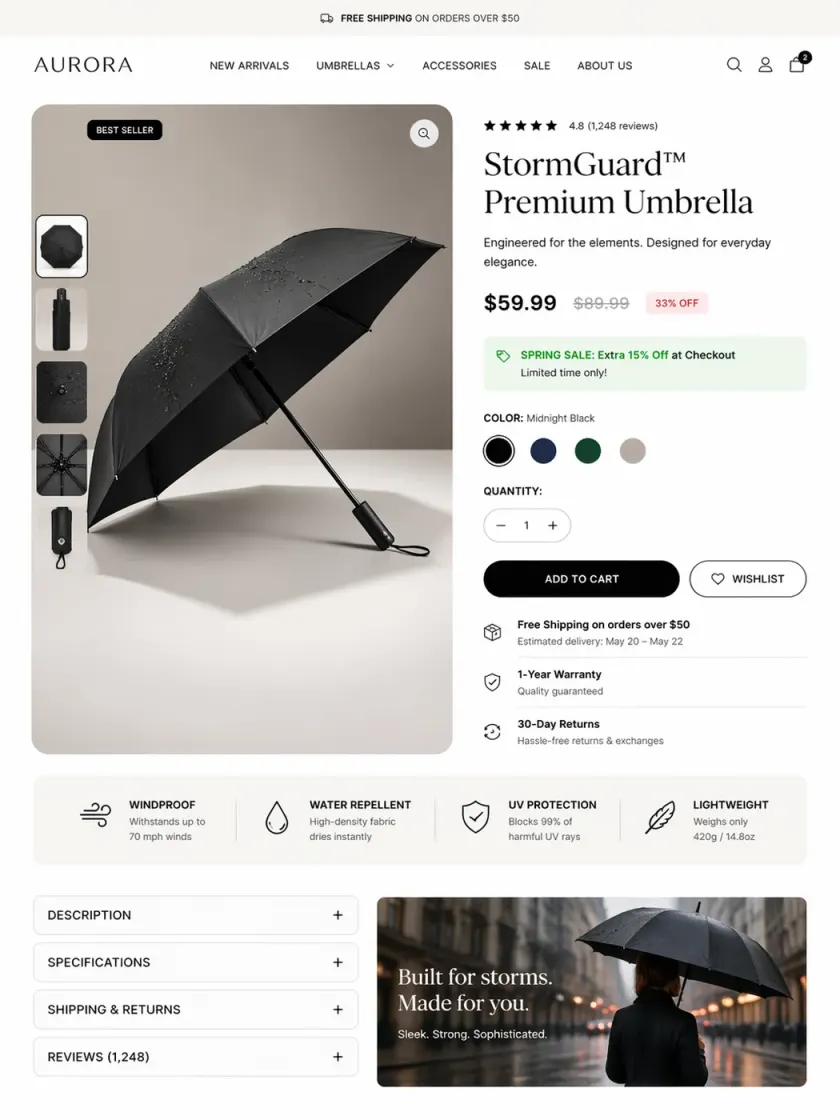
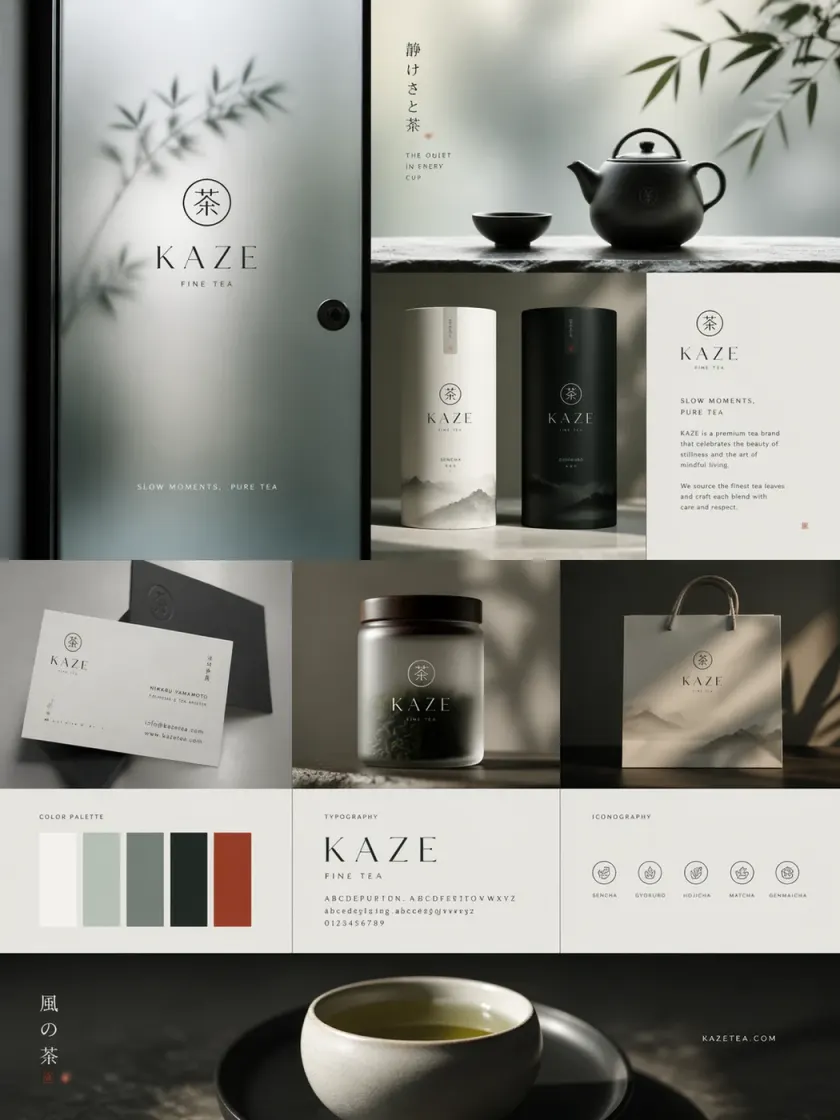
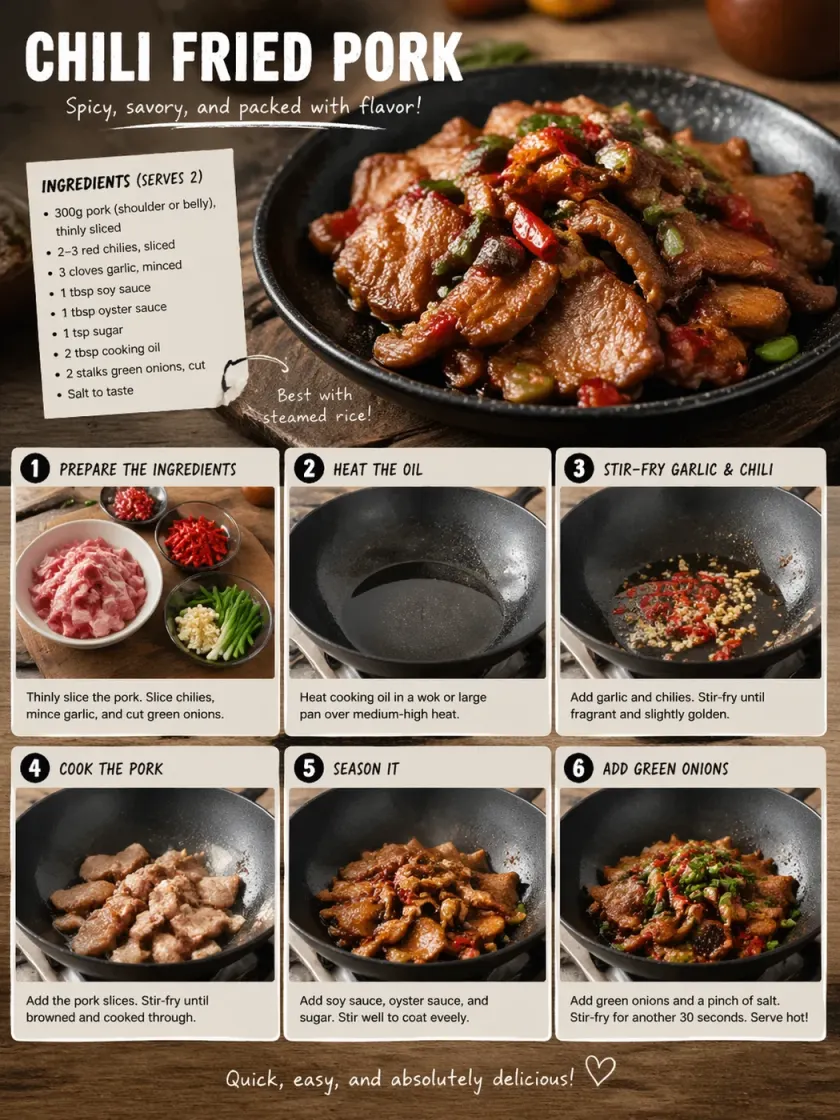
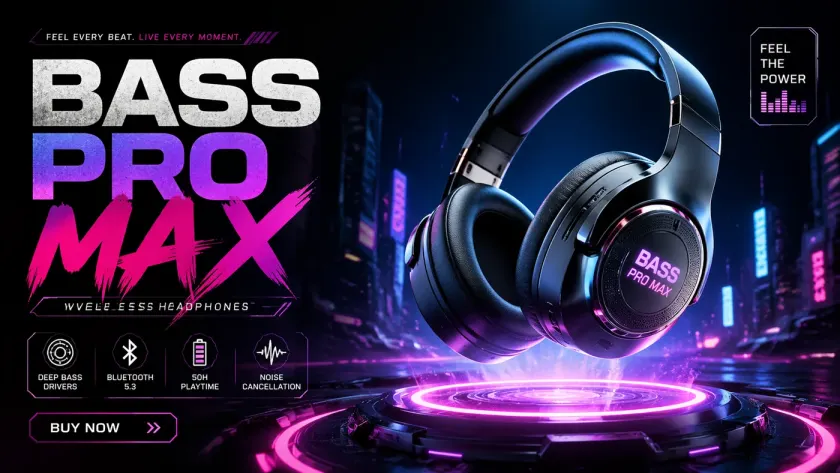
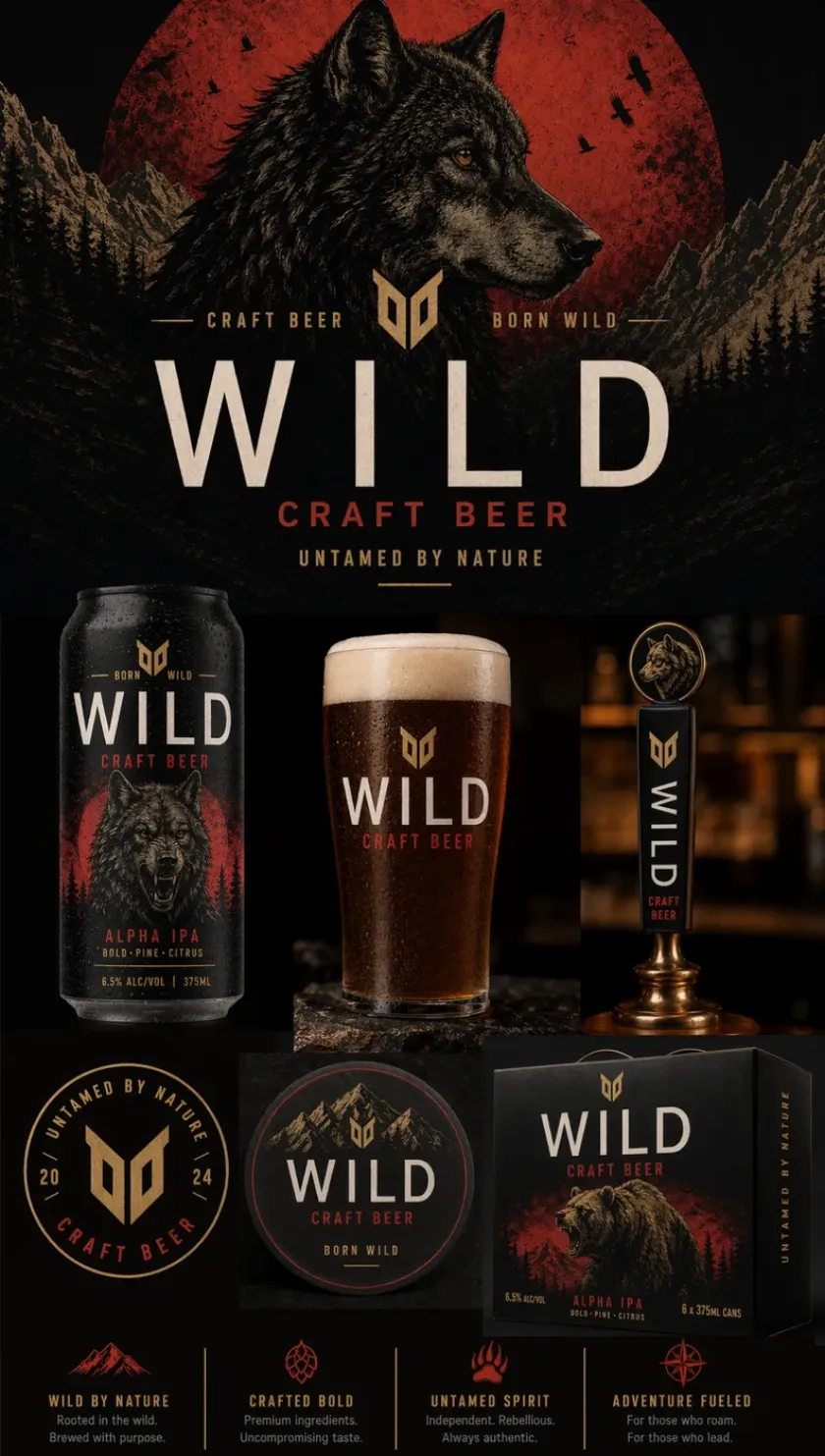
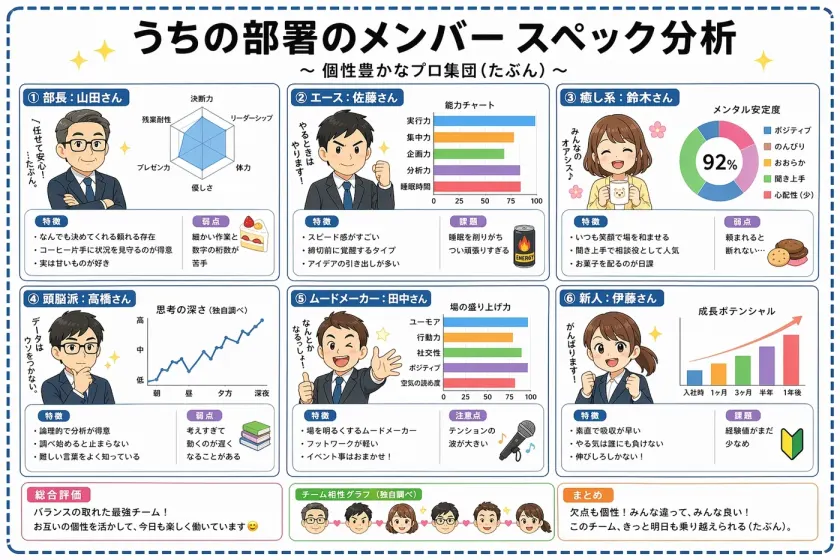
Create and edit ecommerce images online with GPT Image 2 AI. Generate product visuals, ad creatives, campaign posters, listing images, background swaps, and social media product posts directly in your browser from text prompts or uploaded product photos. Use it when your store needs more visual variations without installing design software or waiting on a full production shoot.

Ecommerce Image GeneratorECOMMERCE
213/3500
Sample image 1
View My History
Text-to-image and product photo editingBrowser-based GPT Image 2 AI tool

GPT Image 2 AI Online FOR Ecommerce

Use GPT Image 2 AI Online when ecommerce teams need a browser workflow for product photos, ad variants, and reusable campaign visuals. It is built for practical store output: upload or describe the product, shape the scene, keep the brand direction clear, and export assets that can move into listings, ads, emails, and social channels.

FeatureGPT Image 2General image tool
Ecommerce WorkflowGenerate + Edit Product ImagesPrompt-only experiments
Product Photo InputText + Uploaded Product PhotosMostly text prompts
Ad Text And LabelsUseful for campaign layoutsNeeds more retries
Ecommerce ReadinessProduct, ad, and social outputsConcept-first output
Browser WorkflowOnline tool, no installationTool-dependent flow
Generic image workflow comparison
Generic Tool
GPT Image 2 comparison
GPT Image 2

GPT Image 2 Product Output Quality

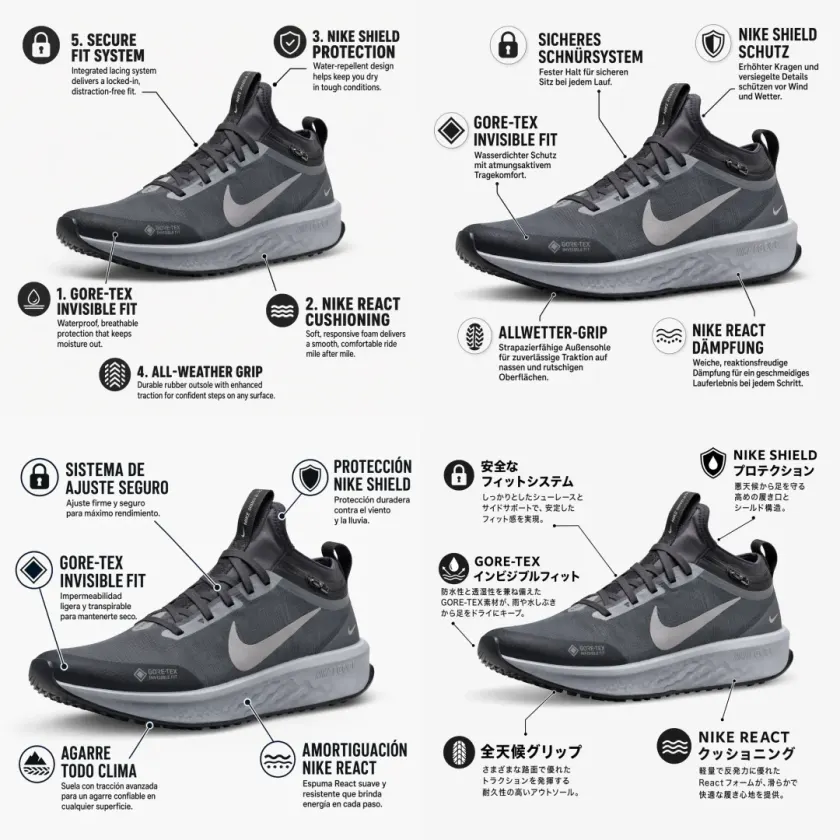
GPT Image 2 AI Online helps ecommerce teams keep product identity, lighting, layout, and channel formats consistent across generation and editing passes. Instead of treating every image as a one-off experiment, the workflow supports repeatable product pages, promotion banners, and campaign variants that still look like they belong to the same store.

Multi-Channel Product Sizes

Multi-Channel Product Sizes

Create visuals for product listings, ads, social posts, and landing pages without rebuilding the concept from zero. Start with one product idea, then adapt the same direction into square, portrait, and landscape assets for each channel.

Controlled Product Lighting

Controlled Product Lighting

Guide lighting and scene mood so product visuals stay clear, credible, and ready for ecommerce review. This is useful for materials like fabric, leather, glass, cosmetics, electronics, and packaged goods where surface detail matters.

Product-Photo Editing

Product-Photo Editing

Upload a product photo and iterate background, scene, and composition while preserving the product focus. Replace a flat catalog shot with a lifestyle scene, a clean studio setup, or a seasonal campaign environment.

Prompt-To-Asset Control

Prompt-To-Asset Control

Turn campaign goals and product constraints into usable visuals for A/B creative testing. Keep room for price tags, offer copy, benefit callouts, and platform-specific safe areas before handing assets to media buyers or store operators.

What GPT Image 2 AI Online Unlocks For Ecommerce Teams

PRODUCT PHOTO OUTPUT

Product Images

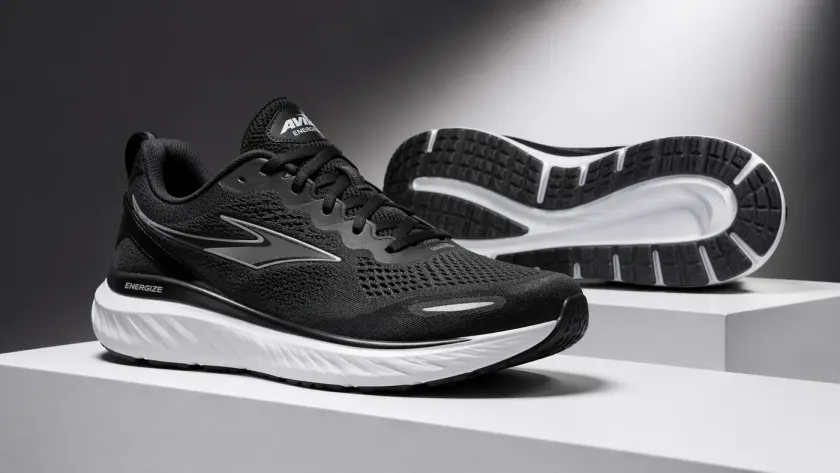
Create clean product visuals with realistic material detail, controlled lighting, and ecommerce-ready framing. Use prompts to define the selling angle, surface texture, background style, and channel format before generating the final product image.

Product Images
AD CREATIVE TEXT

Ad Creatives

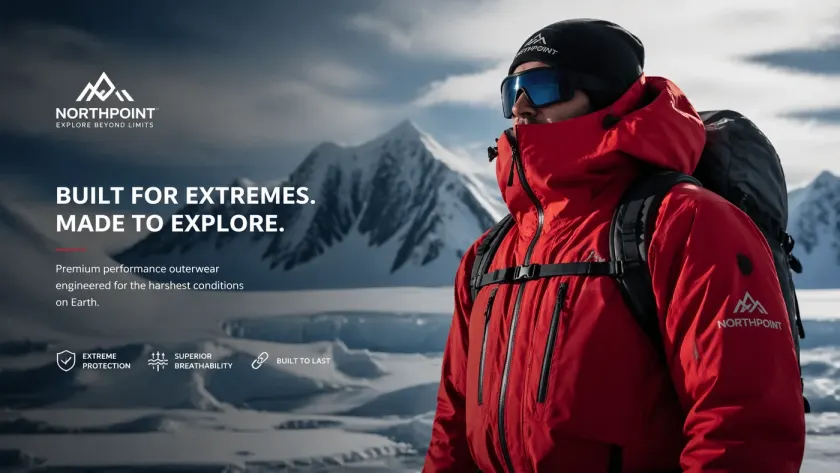
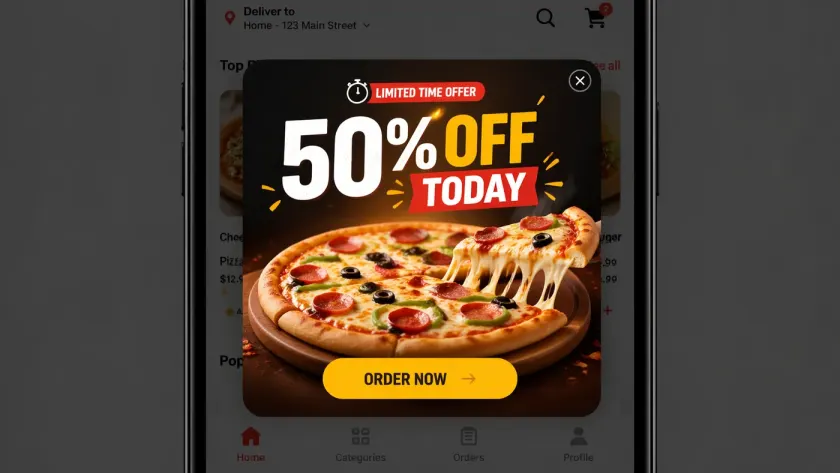
Build campaign posters and promotional layouts with clearer text intent and room for product messaging. Plan offer blocks, headline space, badge placement, and visual hierarchy so the output is easier to adapt for paid ads and social commerce.

Ad Creatives
PRODUCT IDENTITY

Consistent Product Variants

Create multiple backgrounds, channels, and campaign angles while keeping the product recognizable. This helps teams test lifestyle scenes, studio shots, seasonal banners, and marketplace visuals without losing brand or product continuity.

Consistent Product Variants

GPT Image 2 Online Tool Snapshot

A quick view of the browser-based GPT Image 2 AI ecommerce workflow: text prompts, uploaded product photos, image editing, and downloadable outputs. The tool is focused on static ecommerce visuals, so teams can move quickly from product idea to reviewable image assets.

MODEL
GPT IMAGE 2
Tool Focus
Browser-based GPT Image 2 AI workflow for ecommerce image generation and editing, designed around product visuals rather than general prompt play.
INPUT
TEXT + IMAGE
Product Inputs
Use text prompts and uploaded product photos for controlled ecommerce visuals, including backgrounds, lighting, product angles, and campaign context.
OUTPUT
IMAGE
Ecommerce Outputs
Generate product images, ad creatives, campaign posters, social product posts, listing visuals, and reusable concept directions for store teams.
ENDPOINTS
/images
Online Workflow
Start in the browser with no installation required, so marketers, founders, designers, and operators can test image directions from the same online workspace.
LIMITS
NO AUDIO/VIDEO
Media Boundary
Focused on static image generation and image editing, which keeps the workflow clear for product pages, ads, banners, and ecommerce creative review.
FEATURES
NO STREAMING
Workflow Notes
Review product accuracy, text, composition, channel fit, and brand consistency before publishing ecommerce assets or sending them into paid tests.

GPT Image 2 Ecommerce Workflow

Start with a product goal, generate or edit in the browser, then review the result for listing pages, ads, posters, and social posts. The best results come from prompts that include the product type, customer segment, offer, visual format, and any brand constraints.

01

Define Product Goal

Describe the product, target customer, background, lighting, channel, and text requirements clearly. Include whether the image is for a listing, hero banner, social post, email campaign, or paid ad.

02

Generate Or Edit Online

Use text-to-image for new directions or upload a product photo for image-to-image edits. Try several angles, backgrounds, and promotional concepts before selecting the version closest to your campaign goal.

03

Review And Publish

Check product accuracy, text, composition, and aspect ratio before using the asset in a store or campaign. Review small details such as logos, packaging, offer copy, and whether the product remains instantly recognizable.

50% OFFYearly: Up to 50% Off
PRICING // ECOMMERCE IMAGES
Upgrade For More Product Images

Choose credits for ecommerce product images, background edits, ad creatives, and campaign visuals. Pricing behavior stays powered by the shared checkout system, while the plans are framed around practical store needs such as testing more product angles, launching seasonal promotions, and preparing reusable creative batches.

Starter

For ecommerce sellers testing product visuals

$9.9$19.9/mo

Annual total $118.8 · save about 50%

Monthly Credits
800Valid for 30 days
Cost per 100 credits
$1.24
Ecommerce image basics
  • Product image generation and editing workflow
  • Faster queue priority for routine store updates
  • Use for product, ad, and campaign drafts under applicable terms
  • HD export workflow for ecommerce assets
  • Prompt enhancement for product scenes
  • Reusable creator presets
  • Style-consistent outputs across prompt variations
  • Basic content safety filtering
  • Standard email support
Premium

For ecommerce operators and ad teams

Most PopularSave up to 50%
$19.9$39.9/mo

Annual total $238.8 · save about 50%

Monthly Credits
2,000Valid for 30 days
Cost per 100 credits
$0.99
Everything in Starter, plus
  • Everything in Starter
  • Highest queue priority
  • Commercial usage license
  • Shared ecommerce prompt presets
  • Higher-volume product and campaign batches
  • Priority customer support
  • Advanced prompt controls
  • Faster rendering throughput for campaign batches
  • Shared brand style kits for team consistency
  • Expanded multilingual typography support
  • Version history for prompt and asset rollback
Advanced

For high-volume ecommerce production

$49.9$99.9/mo

Annual total $598.8 · save about 50%

Monthly Credits
6,000Valid for 30 days
Cost per 100 credits
$0.83
Everything in Premium, plus
  • Everything in Premium
  • Highest queue priority
  • Brand-aware ecommerce production workflow
  • Longer-running production usage
  • Priority generation queue
  • Advanced prompt controls
  • Dedicated support lane
  • Advanced moderation and policy controls
  • Enterprise-ready usage governance
  • SLA-backed support response targets
  • Early access to new production features
  • Custom onboarding for large teams

For cancellations, billing questions, or plan changes, contact wangneo276@gmail.com

GPT Image 2 User Reviews

Trusted By Teams Shipping Real Creative

Real feedback from marketers, ecommerce operators, and creators using GPT Image 2 in daily visual production. Teams use it to reduce design bottlenecks, prepare more product variations, and test more campaign ideas before committing budget to a shoot or paid media run.

2.8x
Campaigns shipped faster
-46%
Average design iteration cut
89%
Teams reporting higher output
Review 01

We replaced three separate tools with one GPT Image 2 workflow and now launch ad variants the same day.

Rachel Kim
Performance Marketing Lead
Review 02

GPT Image 2 made text-heavy packaging mockups much easier for our team to approve and publish.

Daniel Ortega
Brand Designer
Review 03

Image edit mode preserves our product identity while changing scenes, which cut retouching time dramatically.

Mina Park
Ecommerce Creative Manager
Review 04

We use GPT Image 2 for social posts, landing pages, and hero banners. Cross-channel consistency is much better.

Noah Bennett
Growth Designer
Review 05

For launch campaigns we need speed and quality, and GPT Image 2 gives us both with fewer revision rounds.

Aria Singh
Agency Founder
Review 06

Our content team can test multiple directions with GPT Image 2 before handing final picks to design.

Leo Fischer
Content Ops Manager

Create Ecommerce Images With
GPT Image 2

Use GPT Image 2 AI Online to turn product prompts and uploaded photos into product images, ad creatives, campaign posters, listing visuals, and social media assets in one browser workflow. Move from idea to usable ecommerce image faster while keeping the review process simple.

Create Ecommerce Images Online

Frequently Asked Questions

What is GPT Image 2 AI Online for Ecommerce?
It is a browser-based GPT Image 2 AI generator and editor for ecommerce images, including product visuals, backgrounds, ad creatives, campaign posters, and social media product posts.
Can I upload a product photo and edit it online?
Yes. Use image-to-image or image editing mode to upload a product photo, adjust the scene, replace backgrounds, and create ecommerce-ready variants.
Do I need to install software?
No. The workflow runs in your browser, so ecommerce teams can create and edit images online without installing a desktop design tool.
Does it support text-to-image for product ideas?
Yes. You can describe a product, scene, lighting, target channel, and marketing angle, then generate ecommerce visuals from the prompt.
Is this ecommerce-first?
Yes. The main focus is ecommerce image creation: product photos, background replacement, ads, social product posts, and campaign materials.
Who is this tool for?
It is built for ecommerce sellers, store operators, social commerce teams, product marketers, ad creatives teams, and small businesses that need visuals quickly.
Can I create ads and social media product posts?
Yes. The workflow supports ad creatives, product-led social posts, campaign posters, and listing visuals for common ecommerce publishing channels.
How should I estimate cost?
Estimate cost by the number of product images, edits, and ad variants your team needs. Track cost per usable ecommerce asset, not only raw generations.
Can generated images be used commercially?
Usage depends on provider terms, your plan, and local law. Review terms and run brand, product, and legal checks before publishing ecommerce assets.
How do I get better product image results?
Use clear product details, background requirements, target channel, aspect ratio, lighting, and any text that must appear in the image. Review outputs before publishing.